Seniori Conectați
Menu

LEARNING TOGETHER, AT A COMFORTABLE PACE

Digital skills made simple, step by step

An educational programme for older adults who want to use mobile phones and the internet with greater confidence and safety. Participation is free for older adults through partner organisations.

  • Free for older adults
  • Clearly explained
  • No rushing

THE 3 DEMO LESSONS

Learn simply, step by step

Watch the three free demo lessons with both narration and on-screen text in English. Pause and replay them whenever you need.

Make the text larger

Press play and follow the lesson at your own pace.

Download lesson

Try it on your phone

  1. Open Settings on your phone.
  2. Choose Display, then find Font size and style.
  3. Move the slider gently to the right.
  4. Check that the text feels comfortable to read.
Send a message on WhatsApp

Press play and follow the lesson at your own pace.

Download lesson

Try it on your phone

  1. Open WhatsApp and check the person's name.
  2. Write your message at your own pace.
  3. Read it again and confirm the recipient.
  4. Tap Send once.

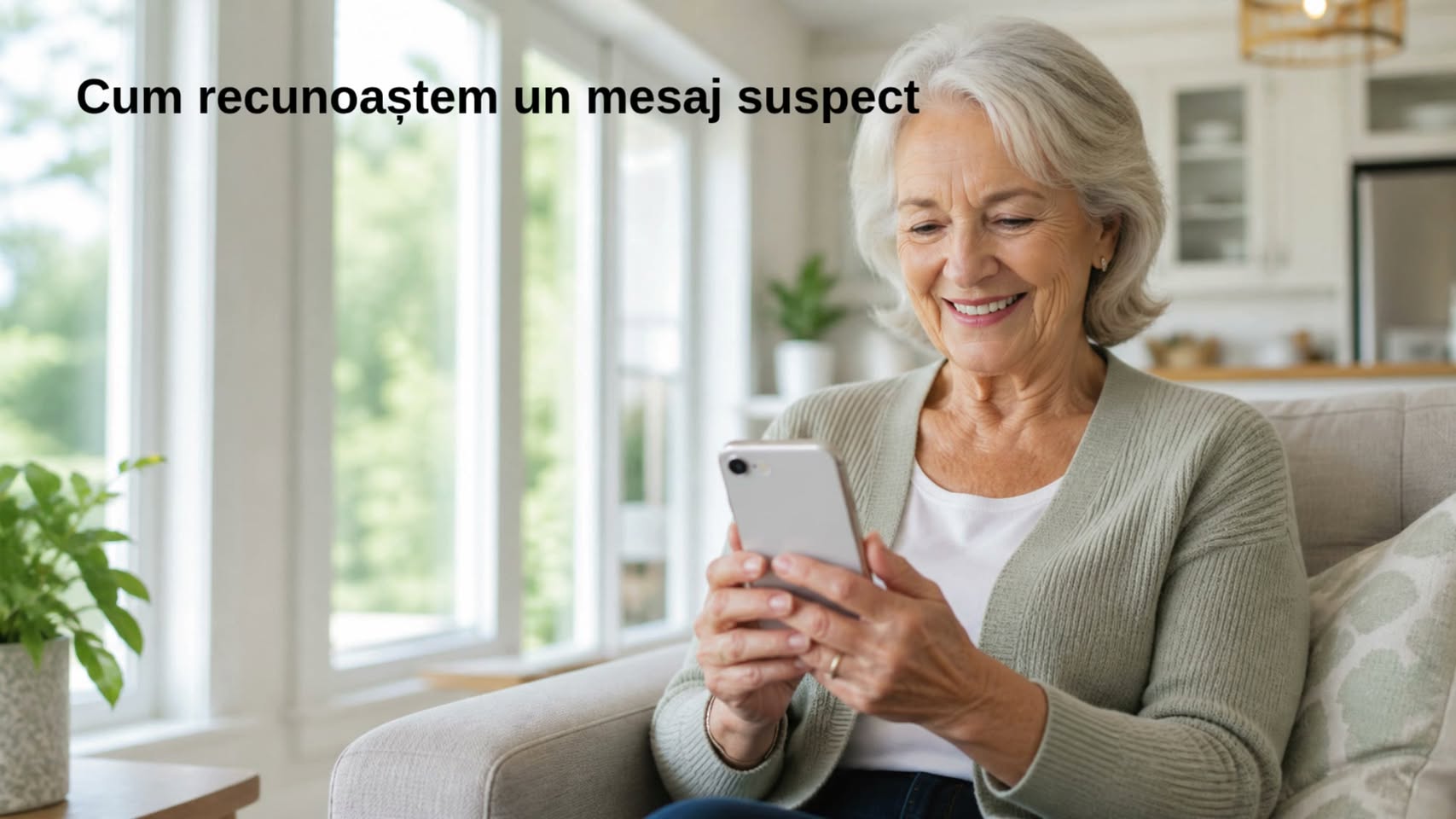
Recognise a suspicious message

Press play and follow the lesson at your own pace.

Download lesson

Try it on your phone

  1. Stop before tapping a link.
  2. Look for requests for money, codes or personal details.
  3. Check the sender by calling them separately.
  4. Ask someone you trust for help, then block the suspicious sender.

THE 10 PRESENTATION CLIPS

Discover the “Seniori Conectați” programme

These short clips introduce the programme’s ideas and values, with both narration and on-screen text created directly in English.

Welcome to Seniori Conectați

Press play to learn more about the programme.

The phone can be simple

Press play to learn more about the programme.

How to answer a call

Press play to learn more about the programme.

How to make a call

Press play to learn more about the programme.

How to end a call

Press play to learn more about the programme.

How to send a message

Press play to learn more about the programme.

How to reply to a message

Press play to learn more about the programme.

How to send a photo

Press play to learn more about the programme.

How to start a video call

Press play to learn more about the programme.

How to recognise a suspicious message

Press play to learn more about the programme.

All 10 presentation clips can be watched here without opening another application.

THE COMPLETE PROGRAMME

12 modules and 144 lessons

Explore the lessons in order. Their estimated video duration is about 15 hours and 25 minutes in total.

Durations are estimates and may change after the pilot lessons are tested.

01MODULE 01Getting started with a mobile phone12 lessons
  1. 01.01Getting to know the phone4–5 min
  2. 01.02Turning the phone on, off and unlocking it4–5 min
  3. 01.03Charging and the battery4 min
  4. 01.04Basic screen gestures5 min
  5. 01.05The home screen and apps5 min
  6. 01.06Making the phone easier to see and hear5 min
  7. 01.07Receiving and making a call5 min
  8. 01.08The address book and contacts5 min
  9. 01.09Text messages (SMS)5 min
  10. 01.10Wi-Fi and mobile internet5 min
  11. 01.11The camera and photos5 min
  12. 01.12Review and first steps in staying safe6 min
02MODULE 02Communicating with WhatsApp12 lessons
  1. 02.01Installing and updating WhatsApp5 min
  2. 02.02The WhatsApp screen and starting a conversation5 min
  3. 02.03Writing, correcting and sending a message5 min
  4. 02.04Voice messages4 min
  5. 02.05Photos, videos and documents6 min
  6. 02.06Audio and video calls5 min
  7. 02.07WhatsApp groups6 min
  8. 02.08Notifications, muting and archiving5 min
  9. 02.09WhatsApp status5 min
  10. 02.10Privacy and two-step verification6 min
  11. 02.11Backups and managing storage6 min
  12. 02.12Scams, blocking, reporting and review7 min
03MODULE 03The internet and finding information12 lessons
  1. 03.01What the internet is5 min
  2. 03.02Google Chrome and the address bar5 min
  3. 03.03Searching for information5 min
  4. 03.04Voice search4 min
  5. 03.05Results, ads and trustworthy sources6 min
  6. 03.06Links, the Back button and tabs5 min
  7. 03.07Larger text, translation and listening to a page6 min
  8. 03.08Bookmarks and browsing history5 min
  9. 03.09Downloading and finding files6 min
  10. 03.10Online forms and personal data6 min
  11. 03.11Fake sites, pop-ups and deceptive messages7 min
  12. 03.12Review and checking information7 min
04MODULE 04Facebook, step by step and safely12 lessons
  1. 04.01Profiles, Pages and Groups5 min
  2. 04.02The home feed, menu and search5 min
  3. 04.03Friends, followers and requests6 min
  4. 04.04Creating a post and choosing its audience6 min
  5. 04.05Reactions, comments and sharing5 min
  6. 04.06Photos, videos, Stories and Reels6 min
  7. 04.07Groups, Pages and events6 min
  8. 04.08Messenger: messages and calls6 min
  9. 04.09Notifications and organising the feed5 min
  10. 04.10Privacy and account security7 min
  11. 04.11Marketplace and scams7 min
  12. 04.12Blocking, reporting and review7 min
05MODULE 05YouTube: watching, searching and publishing12 lessons
  1. 05.01YouTube, Google accounts and channels5 min
  2. 05.02Finding a video and checking its channel6 min
  3. 05.03Play, pause, volume and full screen5 min
  4. 05.04Captions, speed and accessibility6 min
  5. 05.05Subscriptions, notifications and Watch later6 min
  6. 05.06Likes, comments, sharing and playlists6 min
  7. 05.07Uploading a video7 min
  8. 05.08Public, Unlisted, Private and the audience setting for children7 min
  9. 05.09Title, description, thumbnail and playlist6 min
  10. 05.10YouTube Shorts6 min
  11. 05.11Copyright, ads and scams7 min
  12. 05.12YouTube Studio, statistics and review7 min
06MODULE 06Instagram: photos, Stories and Reels12 lessons
  1. 06.01Instagram, profiles and account types6 min
  2. 06.02Feed, Search, Explore and profile5 min
  3. 06.03Followers and follow requests6 min
  4. 06.04Posting a photo or gallery6 min
  5. 06.05Likes, comments, sharing and saving5 min
  6. 06.06Instagram Stories6 min
  7. 06.07Instagram Reels7 min
  8. 06.08Direct messages and calls6 min
  9. 06.09Bio, links and professional accounts6 min
  10. 06.10Privacy and two-factor authentication7 min
  11. 06.11Fake accounts, ads and scams7 min
  12. 06.12Blocking, reporting and review7 min
07MODULE 07TikTok: short videos and safe use12 lessons
  1. 07.01TikTok, profiles and public or private accounts6 min
  2. 07.02For You, Following and Search5 min
  3. 07.03Following accounts and checking the creator6 min
  4. 07.04Watching, captions and controlling recommendations6 min
  5. 07.05Likes, comments, sharing and Favourites5 min
  6. 07.06Uploading a video7 min
  7. 07.07Editing, text, captions, sound and cover7 min
  8. 07.08Visibility, comments, downloads, Duet and Stitch7 min
  9. 07.09Direct messages and requests6 min
  10. 07.10TikTok LIVE, coins and Gifts7 min
  11. 07.11Account security, screen time and scams8 min
  12. 07.12Blocking, reporting and review7 min
08MODULE 08Public services and online appointments12 lessons
  1. 08.01Recognising an official website6 min
  2. 08.02Getting ready to use an online service6 min
  3. 08.03Creating a Ghișeul.ro account7 min
  4. 08.04Paying taxes through Ghișeul.ro7 min
  5. 08.05ROeID digital identity7 min
  6. 08.06ANAF Virtual Private Space7 min
  7. 08.07CNPP online services7 min
  8. 08.08The MAI services hub7 min
  9. 08.09Appointments for passports, driving licences and identity cards7 min
  10. 08.10Forms, documents and uploading files7 min
  11. 08.11Payments, confirmations and protecting data7 min
  12. 08.12Fake messages, asking for help and review7 min
09MODULE 09Banking apps and safe payments12 lessons
  1. 09.01Your bank's official app7 min
  2. 09.02Signing in, PINs and biometrics7 min
  3. 09.03Balance, transactions and statements6 min
  4. 09.04Bank transfers and checking the recipient8 min
  5. 09.05Online payments and 3D Secure approval7 min
  6. 09.06Cards, limits, contactless and temporary blocking7 min
  7. 09.07Paying bills and QR codes7 min
  8. 09.08Cash machines and safe withdrawals6 min
  9. 09.09Notifications and checking transactions6 min
  10. 09.10Fake calls, phishing, smishing and spoofing8 min
  11. 09.11Remote access and fake investments8 min
  12. 09.12What to do after a scam and review8 min
10MODULE 10e-Sănătateamea, health services and digital safety12 lessons
  1. 10.01Online health information and its limits7 min
  2. 10.02e-Sănătateamea: purpose and rules of use7 min
  3. 10.03Digital health accounts, consent and access7 min
  4. 10.04Booking medical appointments online7 min
  5. 10.05Checking insurance status with CNAS7 min
  6. 10.06Health cards, electronic prescriptions and medical documents8 min
  7. 10.07The Electronic Health Record8 min
  8. 10.08Test results and sending medical documents7 min
  9. 10.09Teleconsultations and preparing for a medical call7 min
  10. 10.10Medication reminders, apps and devices7 min
  11. 10.11Protecting medical data and health scams8 min
  12. 10.12Emergencies, official sources and review8 min
11MODULE 11Online shopping and consumer protection12 lessons
  1. 11.01Online shops and checking the seller7 min
  2. 11.02Finding a product and comparing offers7 min
  3. 11.03Product descriptions, reviews and the real seller7 min
  4. 11.04Basket, final price and placing an order8 min
  5. 11.05Paying safely and confirming the order8 min
  6. 11.06Delivery, couriers and tracking a parcel7 min
  7. 11.07Receiving and checking a product7 min
  8. 11.08Cancelling a purchase and returns within 14 days8 min
  9. 11.09Legal guarantees and faulty products8 min
  10. 11.10Subscriptions, free trials and recurring payments7 min
  11. 11.11Fake shops, courier messages and scams8 min
  12. 11.12Complaints to the seller and ANPC; review8 min
12MODULE 12Artificial intelligence and ChatGPT for older adults12 lessons
  1. 12.01What artificial intelligence is7 min
  2. 12.02Accessing the official ChatGPT app7 min
  3. 12.03The ChatGPT screen and a first conversation7 min
  4. 12.04How to write a clear request8 min
  5. 12.05Follow-up questions and improving an answer7 min
  6. 12.06Voice conversations and accessibility7 min
  7. 12.07Photos, images and documents8 min
  8. 12.08Practical uses in everyday life8 min
  9. 12.09Finding information and checking sources8 min
  10. 12.10AI mistakes and false content8 min
  11. 12.11Personal data, scams and responsible use8 min
  12. 12.12A practical project and programme review9 min

FULL LESSONS ARE COMING

A practical video programme, explained step by step

We are preparing complete video lessons for the digital tasks older adults encounter every day. Learners will be able to watch at their own pace and repeat each lesson whenever needed.

In development

ABOUT SENIORI CONECTAȚI

Technology should bring people closer, not leave them behind

“Seniori Conectați” is an educational programme for digital literacy, guidance and online safety, created for older adults.

It is more than a course about using a mobile phone. It is a digital and social inclusion initiative that helps older adults become more independent, better informed, safer and more connected to their families and communities.

Our mission

“I know how to use the technology I need in my life, and I know how to protect myself when something does not feel right.”

Social inclusion

Technology becomes a way to stay close to family, community, information and everyday activities.

Independence

Older adults learn to complete useful tasks on their own, without fear or permanent dependence on someone else.

Safety

Every lesson develops protective habits against scams, suspicious messages and false information.

SENIORI CONECTAȚI RURAL

A special focus on older adults in villages

In rural communities, technology can reduce the distance to children and grandchildren who have moved away, as well as to doctors, local authorities, institutions, information, transport and local services.

Different access, not different abilities

An older adult living in a rural area is not less capable. They may simply have had fewer opportunities for training and support. The programme can reach villages through local authorities, libraries, community centres, local organisations, parishes and volunteers.

A PRACTICAL PROGRAMME

What participants will be able to do

The full programme is designed as 144 progressive lessons, adapted to each participant’s level and learning pace.

  • Use a mobile phone with greater confidence
  • Communicate with family through messages and video calls
  • Search for and verify information online
  • Access public and healthcare services
  • Use helpful applications in everyday life
  • Recognise scams and suspicious messages
  • Protect personal data, passwords and money
  • Take a more active role in community life

HOW WE TEACH

Patiently, using each learner’s own phone

We use simple explanations, clear demonstrations, short videos, large subtitles, printed guides and practical exercises. We consider visual, hearing and mobility needs and adapt the pace to each group.

  1. Explanation
  2. Demonstration
  3. Guided practice
  4. Risk awareness
  5. Independent practice
  6. Result review

THE FUTURE SENIORI CONECTAȚI COMMUNITY

We want to build a community that learns and shares knowledge

The future Seniori Conectați Community will be a space where older adults can learn, ask for help, share experiences and pass on what they have discovered.

We want to connect older adults, volunteers, trainers, families and partner organisations, helping to reduce social isolation.

Our first participant groups will help us test whether the explanations, pace and exercises meet real needs. With no exams or grades, we will measure what each participant can do independently at the end.

An older adult who learns to send a message, recognise a scam or access a service will be able to help someone else in turn.

Our intended outcomeGreater independence, greater safety, greater confidence and less isolation.

AN INVITATION TO COLLABORATE

Together, we can reach more older adults

Participation remains free for older adults when the programme is delivered through partnerships and funding. We work with public institutions, local authorities, libraries, NGOs, foundations, parishes, education and healthcare organisations, companies, sponsors and diaspora communities.

The programme is designed for the Romanian context and can later be adapted for communities in other European Union countries.

Today, we help older adults remain connected, independent and safe.

WE WILL BE SENIORS TOO!
An older woman using a mobile phone; Seniori Conectați online safety material

ONE IMPORTANT THING

Safety is part of every lesson

Never share passwords, SMS security codes or full card details. If a message pressures or frightens you, stop and ask someone you trust for help.

NEW LESSONS, STEP BY STEP

Stay connected with us

Follow the official “Seniori Conectați” accounts to find out when the first complete video lessons are released.

FOR ORGANISATIONS

Bringing digital education closer to older adults

Local authorities, NGOs, libraries, older adult centres, faith organisations, companies and sponsors can license, implement or support the programme in their communities.

Discover collaboration options

CONTACT

Have a question? Write to us

We welcome questions about the programme, lessons and partnerships. Send us a message and we will respond as soon as possible.

Our email addresscontact@senioriconectati.roSend a message This button opens the email application on your device.